
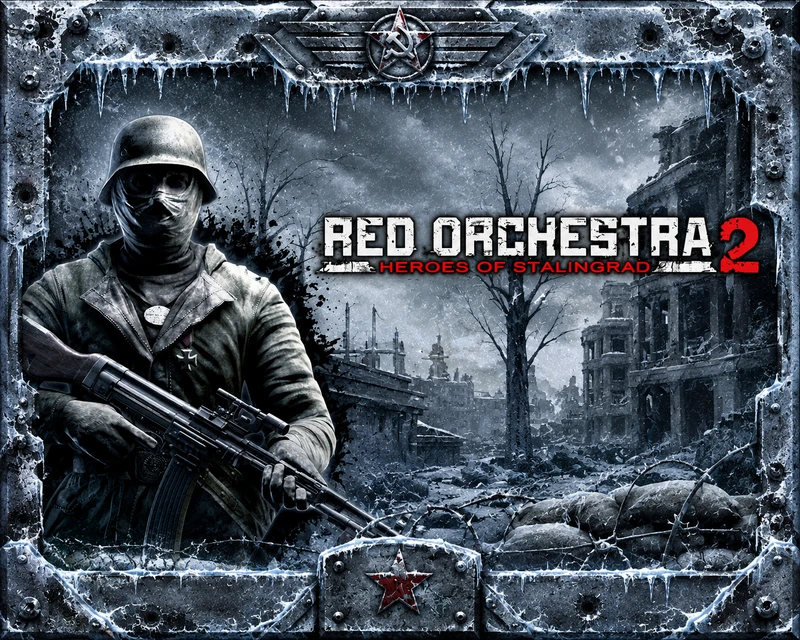
 About This Game
Red Orchestra 2: Heroes of Stalingrad delivers one of the most authentic World War II tactical shooters on PC, emphasizing realism, teamwork, and historically grounded combat. Set during the Battle of Stalingrad, it challenges players with lethal weapon mechanics, suppression effects, and detailed damage modeling that reward patience and coordination over fast-paced action. Its multiplayer battles encourage strategic communication, while the campaign presents the conflict from multiple perspectives, adding narrative depth. Advanced ballistics, destructible environments, and immersive sound design create intense battlefield tension, making every engagement meaningful. For players seeking a realistic military FPS with demanding gameplay and lasting replay value, Red Orchestra 2: Heroes of Stalingrad remains a standout experience.
| SYSTEM REQUIREMENTS ! | |
|---|---|
| OS: | Windows 7/8/10/11 or higher |
| CPU: | Dual Core 2.3 GHz or better |
| Memory: | 2 GB |
| Graphics: | 256 MB SM 3.0 DX9 Compliant NVIDIA® GeForce 7800 GTX or better ATI® Radeon® HD 2900 GT or better |
| Languages: |  |
How do I play this game? I’ve successfully installed it, but a message appears saying “Steam is required to play this game.
I am also getting the same prompt after successfully installing the game
Open the * PROPHET * folder and copy everything inside. Then open the game folder and paste the copied files into it. If you see a message asking to replace existing files, click “Replace the files.
and where is the game folder
Game folder mean
The game you already installed, where you start game
I hope now you understand